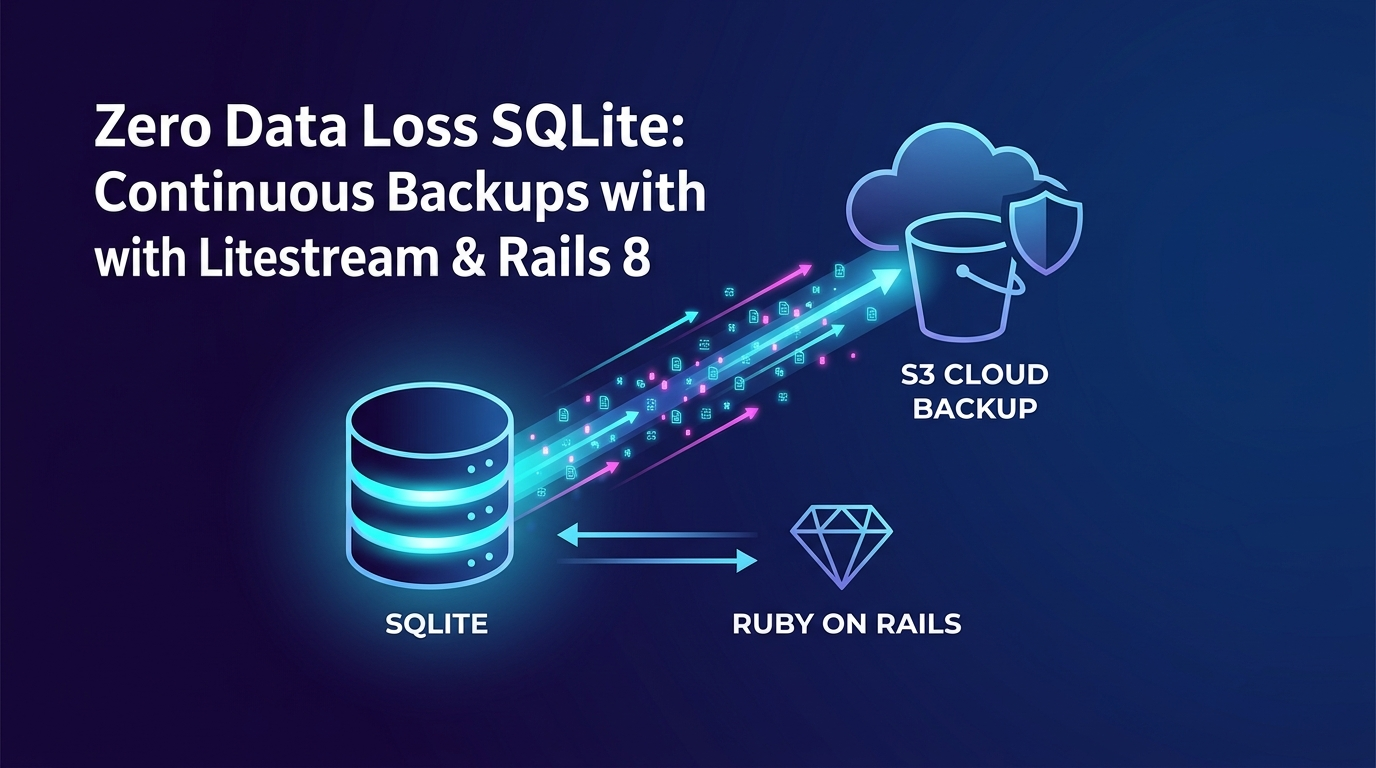
Zero data loss SQLite: streaming production backups to S3 with Litestream & Rails 8
In my last article, SQLite in Production is a Big Win, With a Few Tweaks, we walked through optimizing database.yml with WAL mode, proper pragmas, and connection pools to give Rails 8 blistering fast speed on a single server.
When you tell traditionalists you’re running your primary database out of a flat SQLite file on a single VPS, the first objection is almost always: "What happens when the disk dies or the server catches fire?"
Historically, database backups meant scheduling a nightly cron job that ran VACUUM INTO or a database dump, compressed it, and uploaded it to S3. But a nightly backup means if your server drops at 11:00 PM, you just lost 23 hours of user sign-ups, comments, and transactions.
Enter Litestream.
What is Litestream and why is it the gold standard?
Originally created by Ben Johnson, Litestream is an open-source background tool written in Go that continuously monitors your SQLite Write-Ahead Log (-wal) file. Thanks to Stephen Margheim (@fractaledmind) and his work on the litestream-ruby gem, integrating Litestream into a Rails 8 application is now virtually plug-and-play.
Every time your Rails application writes data to the log, Litestream asynchronously streams those delta frames off to S3-compatible cloud storage (like AWS S3, Backblaze B2, Cloudflare R2, or Tigris).
Why it's a game-changer for Rails monoliths:
- Near-Zero Recovery Point Objective (RPO): Your off-site backups are updated sub-seconds or seconds after a write occurs.
- Zero Request Overhead: It doesn't lock tables or block Puma threads. It reads the WAL file completely outside your Rails request cycle.
- Point-In-Time Recovery (PITR): You can restore your database to the exact second before a bad migration ran or an admin accidentally deleted data.
Step 1: Install the litestream Gem
The cleanest way to add Litestream to a Rails 8 app is via the litestream gem, which packages the binary and hooks directly into your application boot process.
Add it to your Gemfile:
gem "litestream"
Then bundle and run the installer:
bundle install
bin/rails generate litestream:install
Step 2: Configure config/litestream.yml (The Gotchas)
The generator creates a config/litestream.yml file. Below is an optimized production setup targeting Backblaze B2, though Litestream works seamlessly across all S3 storage vendors. (If you're using AWS S3, Cloudflare R2, Tigris, or DigitalOcean Spaces, check out the official Litestream Provider Guides for provider-specific endpoint quirks.)
# config/litestream.yml
access_key_id: $LITESTREAM_ACCESS_KEY_ID
secret_access_key: $LITESTREAM_SECRET_ACCESS_KEY

dbs:
  # Path to your primary shared production database
  - path: /home/deploy/your_app/shared/storage/production.sqlite3
    replicas:
      - type: s3
        bucket: $LITESTREAM_REPLICA_BUCKET
        path: production.sqlite3
        endpoint: $LITESTREAM_ENDPOINT_URL
        force-path-style: true
        part-size: 10485760 # 10MB chunk buffer (Required for Backblaze B2 / non-AWS S3)
        sync-interval: 10s   # Batches writes to keep S3 API calls ultra-low
Why We Custom-Tuned part-size and sync-interval
You’ll notice two specific overrides in the configuration above that differ from Litestream's default values:
- part-size: 10485760 (10MB): Litestream uses S3 multipart uploads to ship WAL chunks. Backblaze B2 strictly enforces a 5MB minimum part size limit on multipart API calls. Setting part-size explicitly to 10MB ($10 \times 1024 \times 1024$ bytes) provides a comfortable buffer above B2's lower threshold to prevent rejected uploads, while keeping VPS memory consumption light.
- sync-interval: 10s: By default, Litestream checks for database changes every second. On low-to-medium traffic sites (like a blog or SaaS dashboard), setting a 10s interval batches minor write bursts into a single S3 request. This caps your potential data loss window (RPO) to a maximum of 10 seconds while keeping your cloud storage API transaction bill near zero.
The Golden Rule: only back up primary data
Rails 8 uses SQLite backends for solid_cache, solid_queue, and solid_cable by default.
Do NOT list those databases in Litestream! Cache data churns constantly, and queue rows exist for milliseconds. Replicating them will flood your S3 bucket with millions of pointless write operations and inflate your cloud storage bill. Cache and queue databases auto-initialize on boot if wiped—only stream production.sqlite3.
Step 3: boot Litestream via Puma
Because Litestream is a long-running process, you can spawn it right alongside Puma using the built-in plugin.
Add this to config/puma.rb:
# Spawns Litestream alongside Puma in production
plugin :litestream if ENV.fetch("RAILS_ENV", "production") == "production"
Once you set your S3 credentials in your server environment variables and deploy, Puma boots Litestream automatically on server start.
Disaster recovery: what happens when the server dies?
Here is the magic. Suppose your VPS provider has a hardware failure and your entire server disappears into the void.
- Provision a fresh server (or let your deployment tool like Hatchbox do it).
- Deploy your application code.
- Before booting Puma, trigger Litestream’s restore command:
bin/rails litestream:restore
Litestream inspects your config/litestream.yml, connects to your S3 bucket, downloads the latest full generation snapshot and WAL deltas, and reassembles your production database down to the last 10 seconds of activity.
You boot Puma, and your app is back online with zero data loss.
Conclusion
Running SQLite in production on Rails 8 gives you incredible simplicity, sub-millisecond query performance, and dirt-cheap hosting. Pairing it with Litestream solves the final piece of the puzzle: rock-solid, automated disaster recovery.